













公式サプライヤー
公式および認定ディストリビューターとして200社以上の開発元から正規ライセンスを直接ご提供いたします。
当社のすべてのブランドをご覧ください。
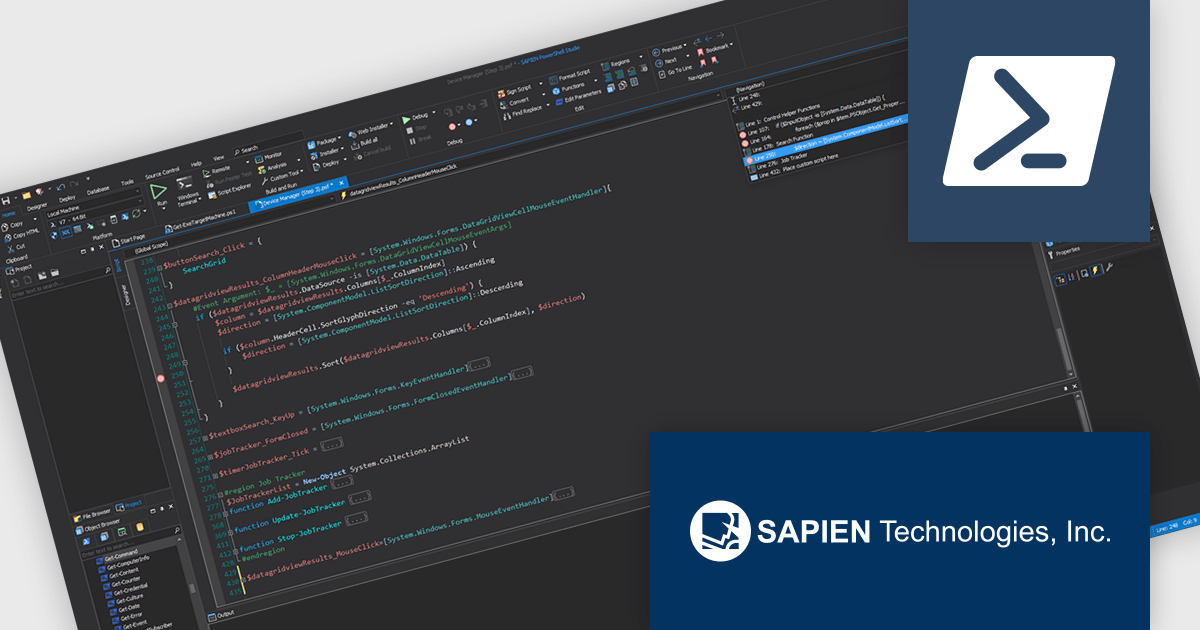
PowerShell Studio by SAPIEN Technologies is an Integrated Scripting Environment (ISE) designed specifically for PowerShell development. It offers a comprehensive editing experience with features like syntax coloring, code completion, and debugging. Beyond editing, PowerShell Studio allows you to visually design GUIs for your scripts, convert them into executables, and create modules and Windows services. This comprehensive toolset caters to developers who want to streamline PowerShell scripting and extend its functionality.
The PowerShell Studio 2026 (5.10.269) update introduces support for PowerShell 7.4.15, 7.5.6, and 7.6.1, enabling developers to utilize the latest language features, performance improvements, and security updates while maintaining compatibility with modern development environments. This support allows more efficient script development and testing across different platforms, improves reliability through ongoing fixes, and provides greater flexibility when targeting multiple PowerShell runtimes in professional workflows.
To see a full list of what's new in 2026 (5.10.269), see our release notes.
PowerShell Studio is licensed per user and includes 1 year of product maintenance which may be renewed each year thereafter to continue to receive the latest updates. See our PowerShell Studio licensing page for full details.
Learn more on our PowerShell Studio product page.
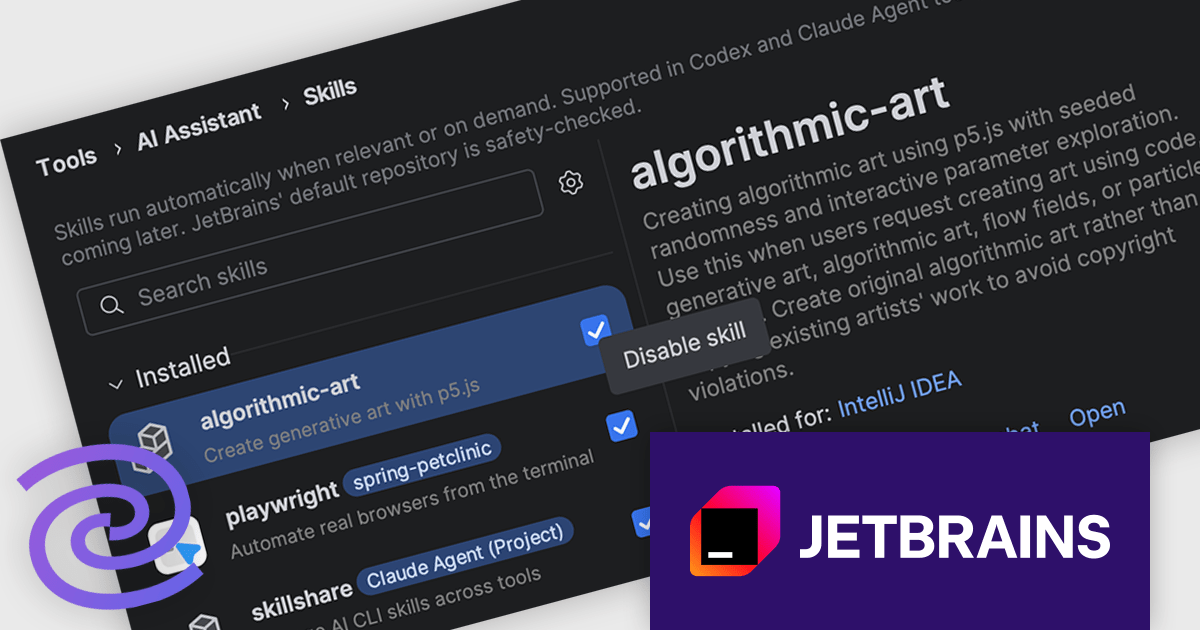
JetBrains AI Assistant - AI Pro is a plugin for JetBrains IDEs that uses large language models to enhance your coding experience. It can answer your questions about code, suggest completions and refactorings, and even help you write documentation and commit messages. It analyzes the context of your project to provide the most relevant suggestions, and you can chat with it directly within the IDE. JetBrains AI Assistant is a powerful tool for programmers looking to boost their productivity.
The introduction of the Skill Manager and Skill Repository in JetBrains AI Assistant changes how reusable capabilities are handled across development workflows. Skills, which define focused capabilities for specific tasks, are no longer confined to a single agent or project setup. Instead, developers can install trusted skills once and make them available wherever needed, across supported agents and multiple projects. By centralizing discovery and management directly in the IDE, it becomes easier to maintain consistency, reduce duplication, and ensure that commonly used capabilities are readily accessible without repeated configuration.
JetBrains AI Assistant is licensed per user as a commercial annual subscription. To use it, you must have a compatible JetBrains IDE. We can supply new subscriptions, subscription renewals, lapsed subscription renewals, and additional developer licenses. See our JetBrains AI Assistant licensing page for full details.
For more information, visit our JetBrains AI Assistant product page.
PHP turns 31 this June, and JetBrains is marking it with PHPverse 2026—a free, live-streamed event focused on modern PHP and its future. This all-day event begins at 7:00 AM EDT (13:00 CET) on June 9th, 2026. This year’s lineup includes speakers like Jeffrey Way, Fabien Potencier, Jonathan Bossenger, and Elizabeth Barron. PHPverse gives you the opportunity to:
Join for the full day or just the sessions you care about.
Register now and mark your calendar for June 9th, 2026.
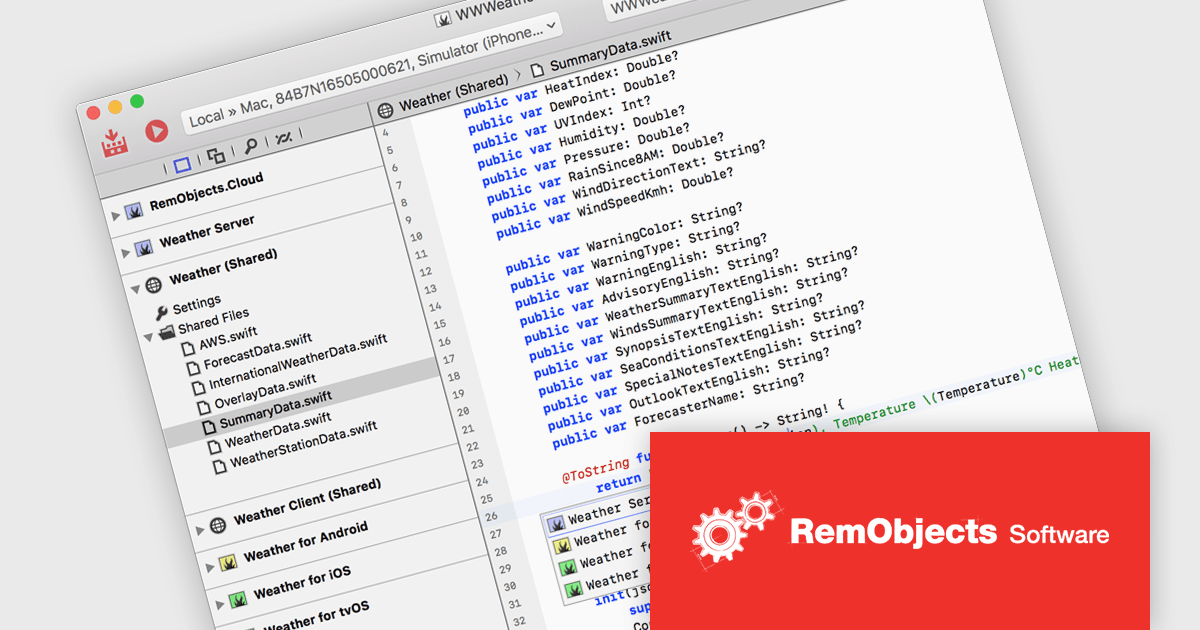
RemObjects Elements is a modern, multi purpose software development toolchain that enables developers to build applications for a wide range of platforms using six popular programming languages including Oxygene, Swift, C#, Java, Go and Mercury. It allows teams to target individual platforms or share code across multiple projects, reducing duplication and simplifying maintenance while maintaining flexibility in language choice. With integrated development environments for both Mac and Windows, it supports consistent workflows across operating systems, helping developers efficiently create native applications, manage cross platform solutions, and adapt to diverse project requirements.
RemObjects Elements enables developers to build cross platform applications using a single toolchain while sharing code across projects, reducing duplication and simplifying maintenance. By supporting multiple programming languages within the same environment, it allows teams to work with familiar syntax while targeting different platforms, improving efficiency and collaboration. Its unified workflow and integrated development environments for Mac and Windows help optimize and standardize development processes, making it easier to manage complex, multi platform solutions.
RemObjects Elements is licensed per user on an annual subscription basis, including free updates and standard support, with renewal required to continue use. Premium Support is an optional yearly upgrade, offering faster response times and support tickets that roll over while the subscription remains active. See our RemObjects Elements licensing page for full details.
Learn more on our RemObjects Elements product page.
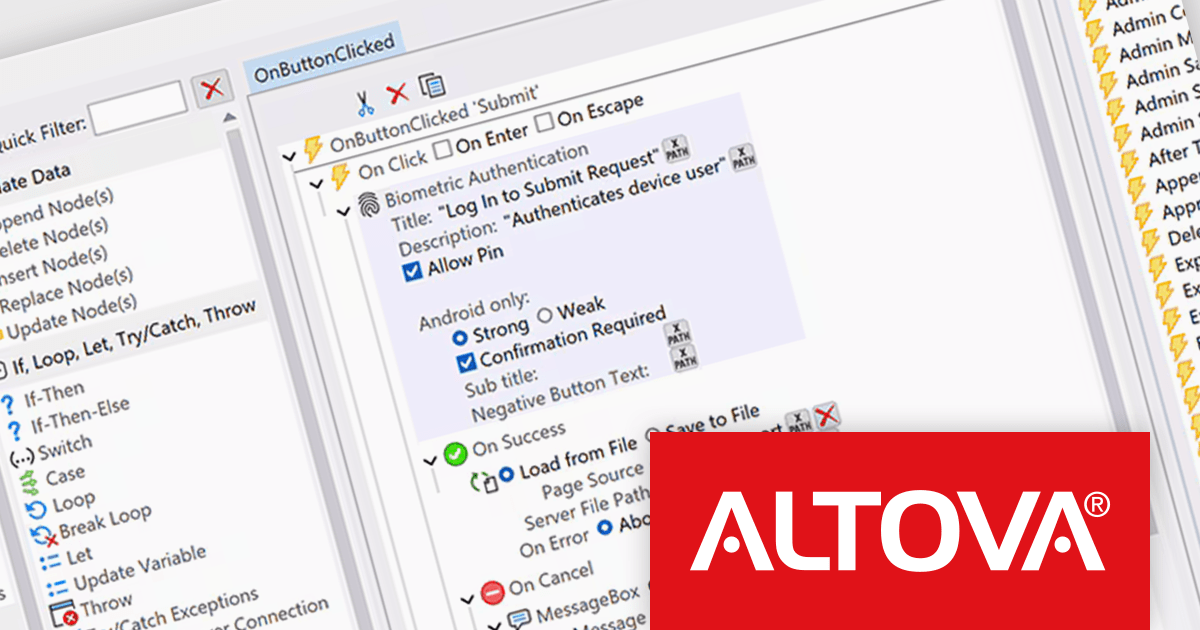
Altova MobileTogether is a rapid app development platform that empowers anyone, regardless of coding experience, to build sophisticated data-driven apps for all mobile and desktop platforms. With its visual UI design, drag-and-drop functionality, and powerful Action Tree programming language, MobileTogether improves the development process, enabling you to create custom database apps, integrate with backend systems, and deploy secure solutions swiftly and cost-effectively.
The MobileTogether 10.3 release introduces support for biometric authentication in client applications, allowing developers to incorporate face recognition or fingerprint scanning as a secure and convenient login method. An optional runtime function lets apps detect whether a user’s device supports biometric capabilities, enabling intelligent decisions about when to present authentication prompts. To ensure consistent access across devices and user preferences, a PIN-based fallback can also be configured, providing an alternative when biometric options are unavailable or not set up. Together, these enhancements offer a practical approach to improving both security and user experience in mobile solutions.
To see a full list of what's new in version 10.3, see our release notes.
MobileTogether is licensed per server core as an annual subscription. See our MobileTogether licensing page for full details.
For more information, visit our MobileTogether product page.
電話: (888) 850 9911
Fax: +1 770 250 6199


