













公式サプライヤー
公式および認定ディストリビューターとして200社以上の開発元から正規ライセンスを直接ご提供いたします。
当社のすべてのブランドをご覧ください。
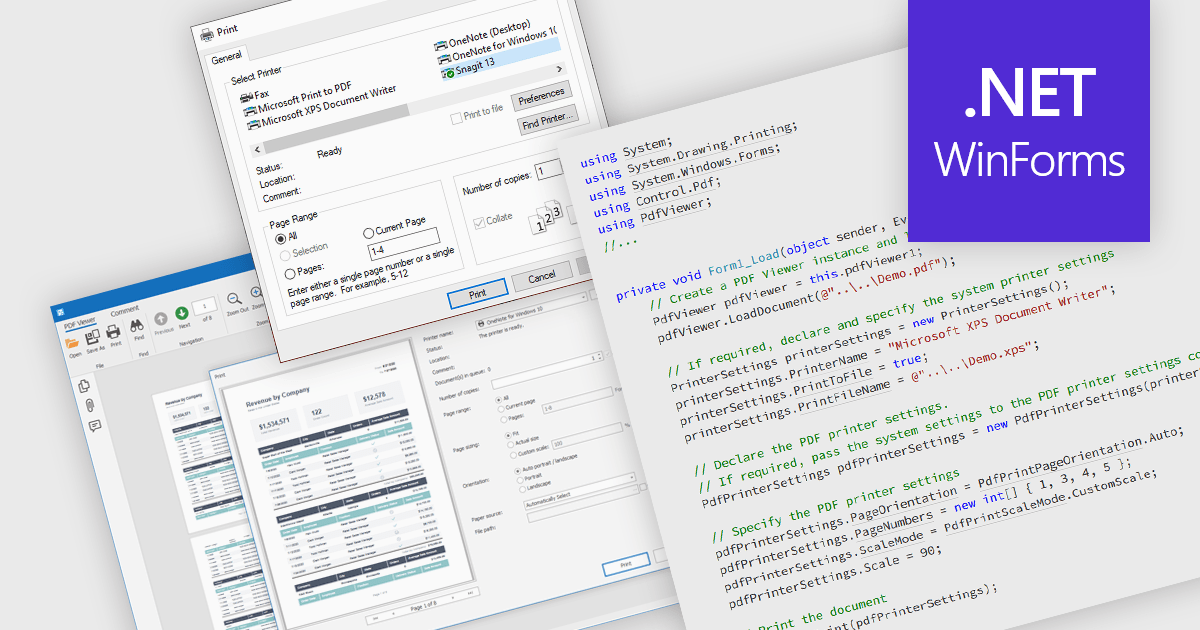
Printing PDFs to a printer is the process of sending a Portable Document Format (PDF) file from an application to a physical or virtual printer while preserving its layout, fonts, and graphical fidelity. A PDF viewer control typically handles rendering and pagination, ensuring consistent output across devices and print environments. The main benefit is predictable, high-quality output, which is especially important for documents that require precise formatting. Modern PDF viewer components support printing either directly through built-in user interface elements such as a toolbar or print dialog, or programmatically through application code using API methods, giving developers flexibility in how printing capabilities are exposed and controlled within an application.
Several WinForms PDF Viewer components allow you to print PDFs to a printer, including:
For an in-depth analysis of features and price, visit our comparison of WinForms PDF Viewer components.
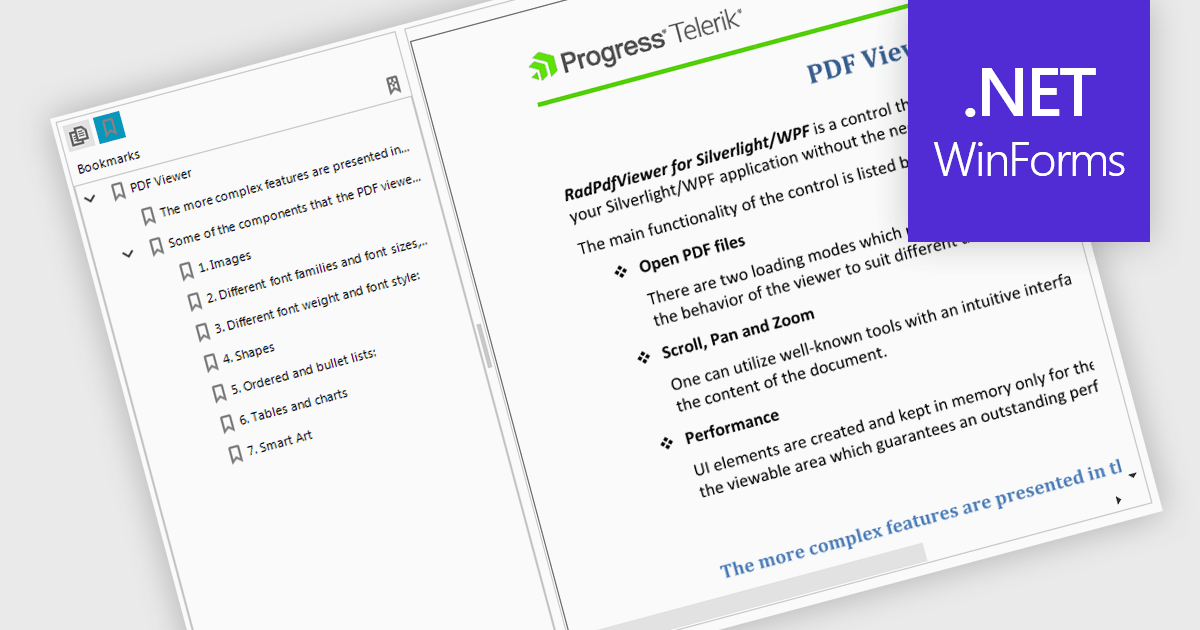
Bookmark navigation in a PDF Viewer enables developers to expose the hierarchical bookmark structure embedded within a PDF so users can quickly jump to specific sections or pages. It typically presents bookmarks in a tree view synchronized with the document, allowing programmatic control and event handling for selection changes. This capability improves usability in applications that handle large or structured documents by reducing manual scrolling, supporting faster content discovery, and providing a more organized reading experience.
Several WinForms PDF Viewer components support bookmark navigation, including:
For an in-depth analysis of features and price, visit our comparison of WinForms PDF Viewer components.
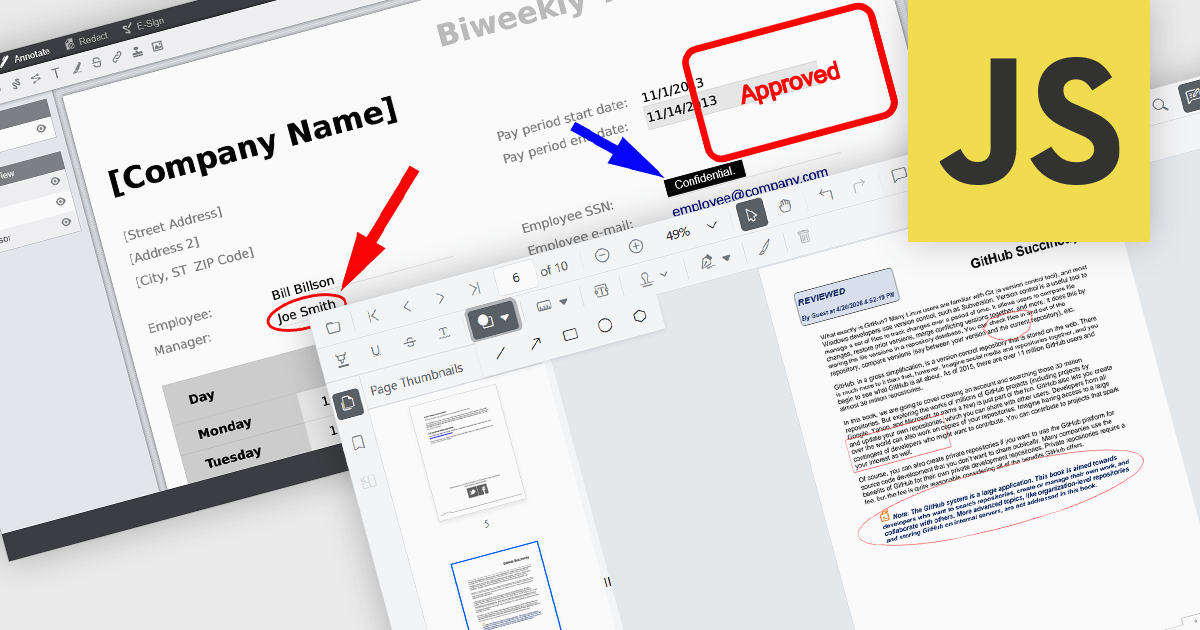
Annotation capabilities in PDF Viewer components allow users to interact with documents through visual and textual markup, supporting review, collaboration, and documentation processes. Tools such as Line, Rectangle, and Free text help highlight structure and add clarity, while Sticky note and Stamp annotations provide contextual feedback and status indicators. By embedding these capabilities directly into a viewer, applications can offer a cohesive experience for editing and reviewing PDFs without requiring external software.
Common annotations include:
For an in-depth analysis of features and price, visit our JavaScript PDF viewer components comparison.
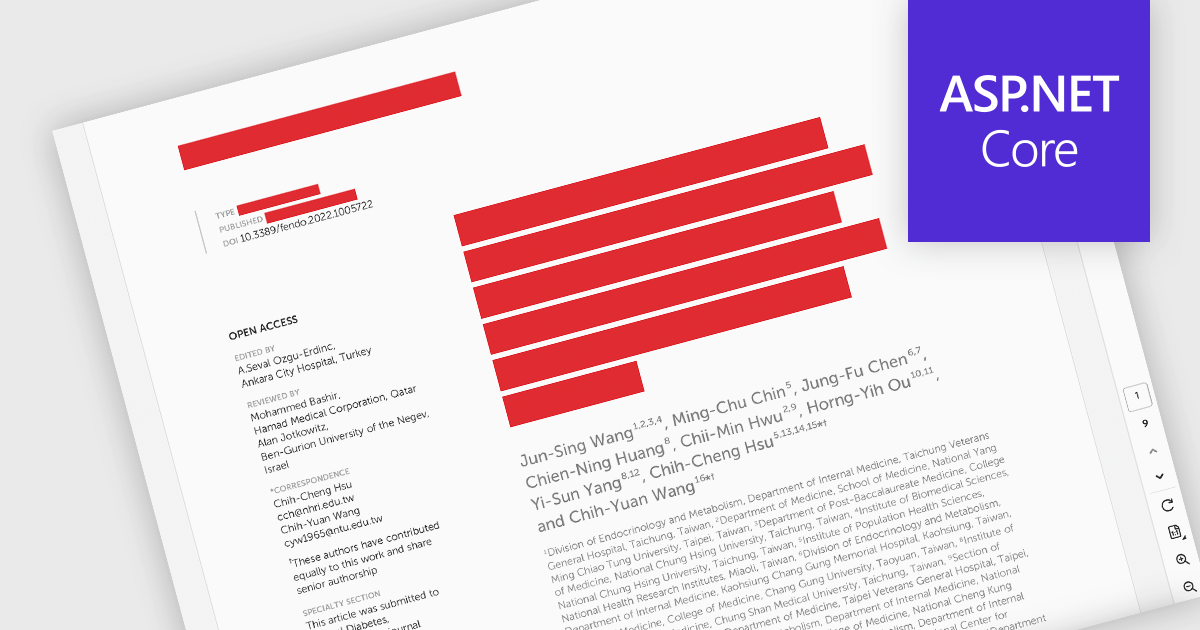
PDF redaction is the process of permanently removing sensitive or confidential information from a document so that it cannot be recovered or viewed. Unlike simple visual masking, true redaction deletes the underlying content, ensuring it is not accessible through copying, searching, or metadata extraction. This capability is essential for regulatory compliance, data protection, and secure document sharing, particularly in industries that handle personal, financial, or legal information.
Several ASP.NET Core PDF components allow you to redact PDFs, including:
For an in-depth analysis of features and price, visit our comparison of ASP.NET Core PDF components.
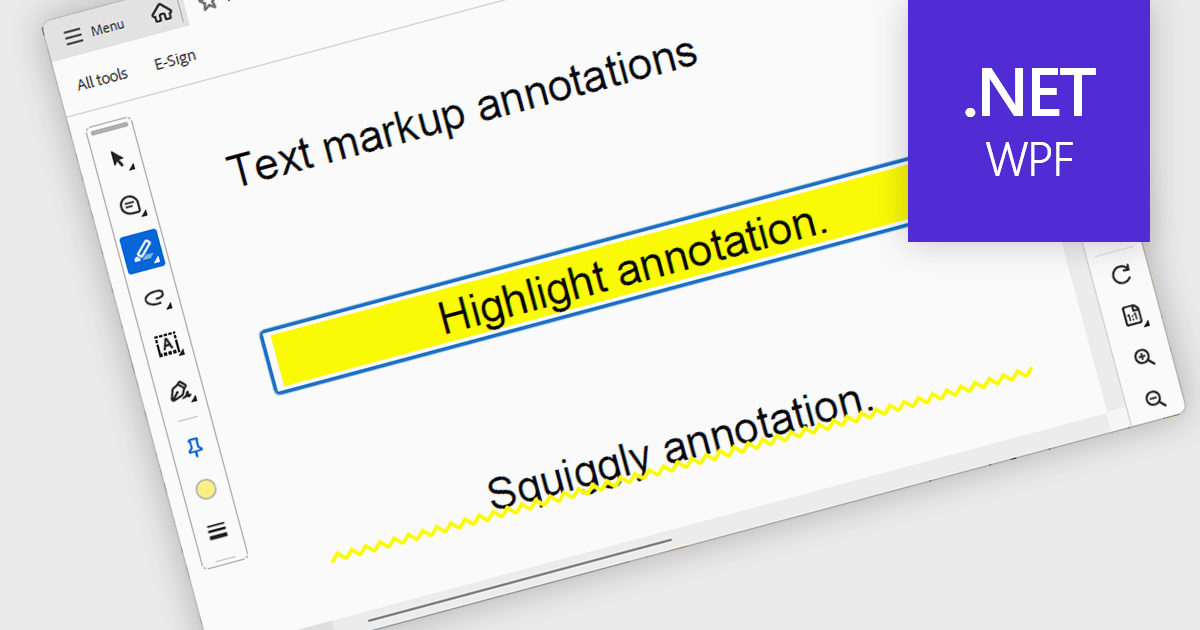
Highlight text annotation in PDF WPF .NET controls is a feature that visually marks text with a colored overlay to draw attention to important content without modifying the original document. For software developers, it helps deliver clearer document review experiences by making key passages easier to identify, supporting user feedback and content emphasis, and improving readability and interaction in PDF-based business applications.
Several .NET WPF PDF components offer highlight text annotation including:
For an in-depth analysis of features and price, visit our comparison of .NET WPF PDF components.
電話: (888) 850 9911
Fax: +1 770 250 6199


